A renewals app for families: design system, iPhone and Android apps, docs, Storybook and a live site. I made the decisions; AI did the building.
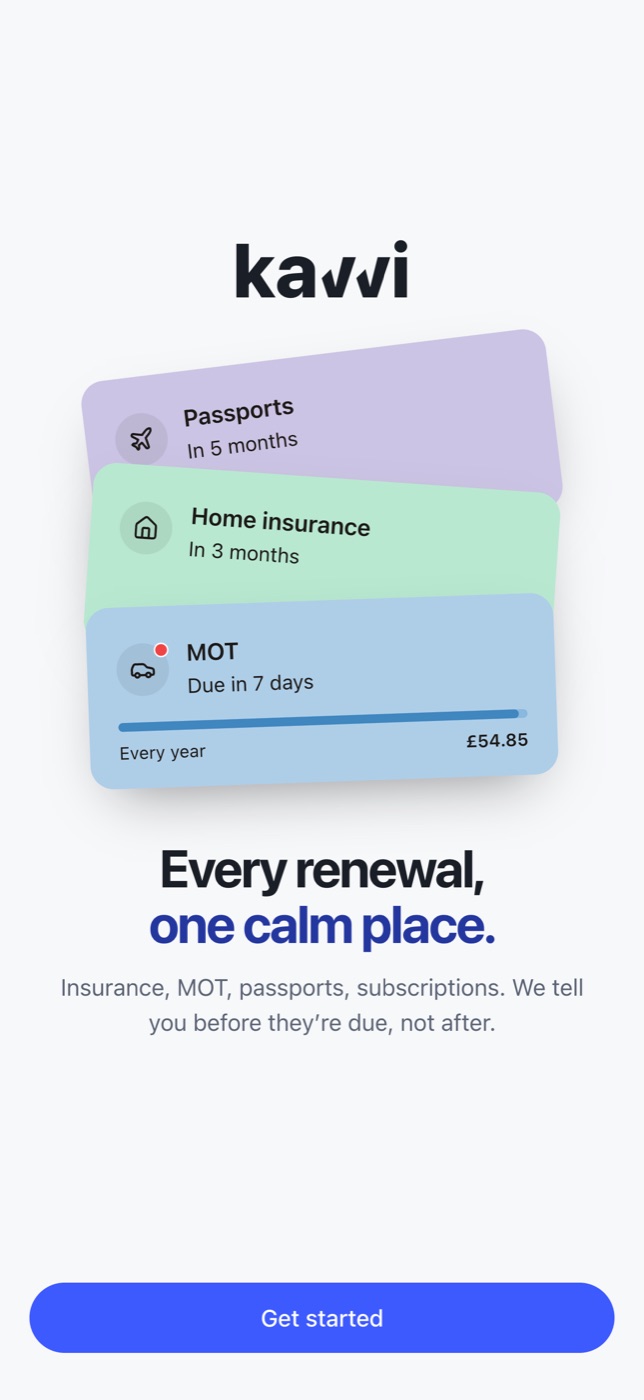

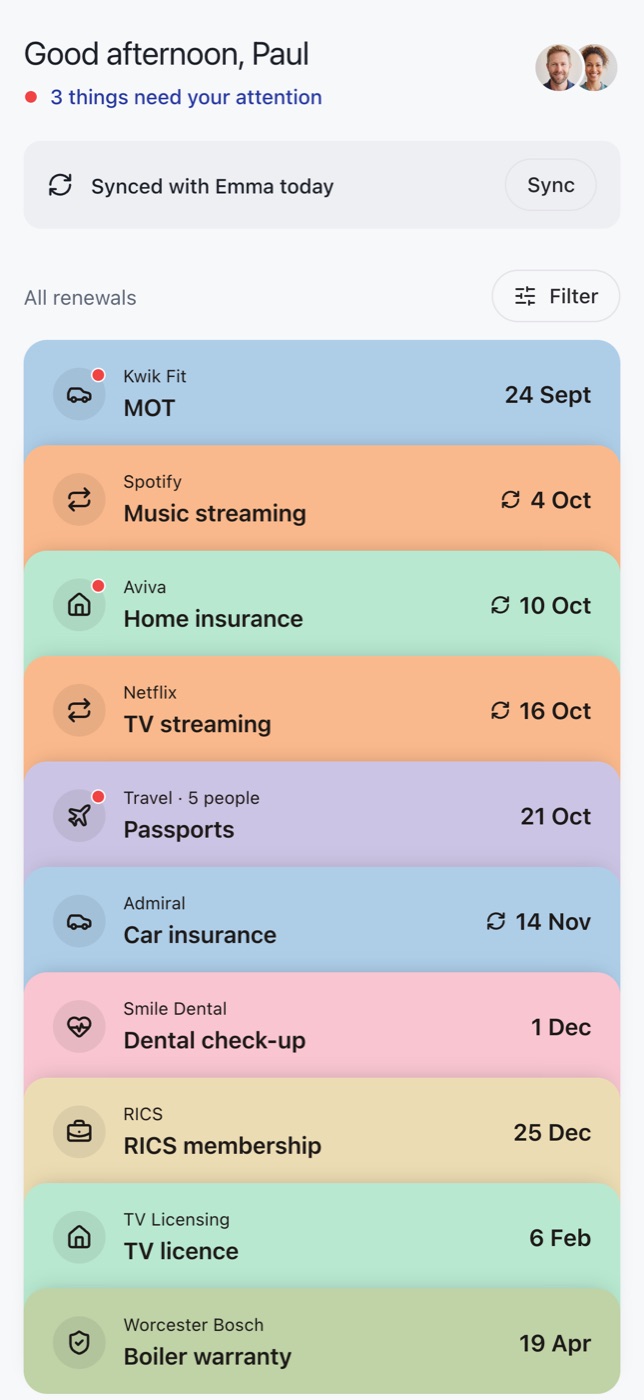
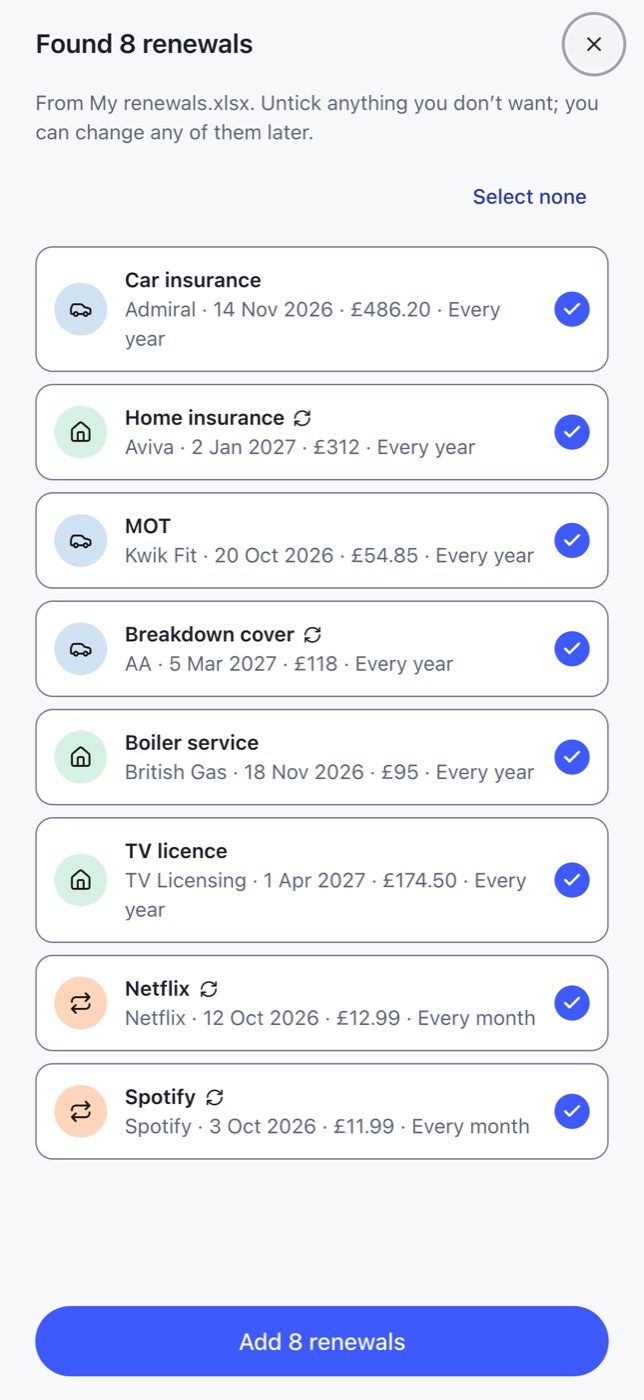
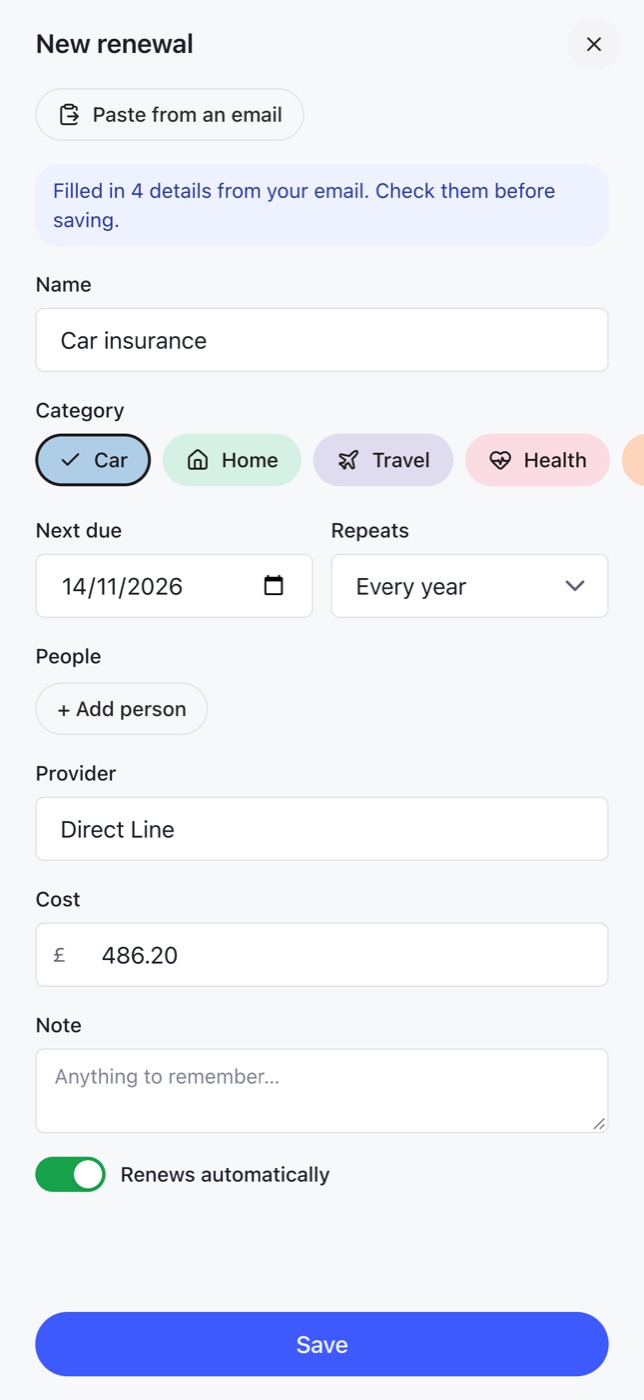
The question: can one designer, directing AI, take a product the whole way, from the design system to the app stores? Kavvi, a renewals app for families, was the test.
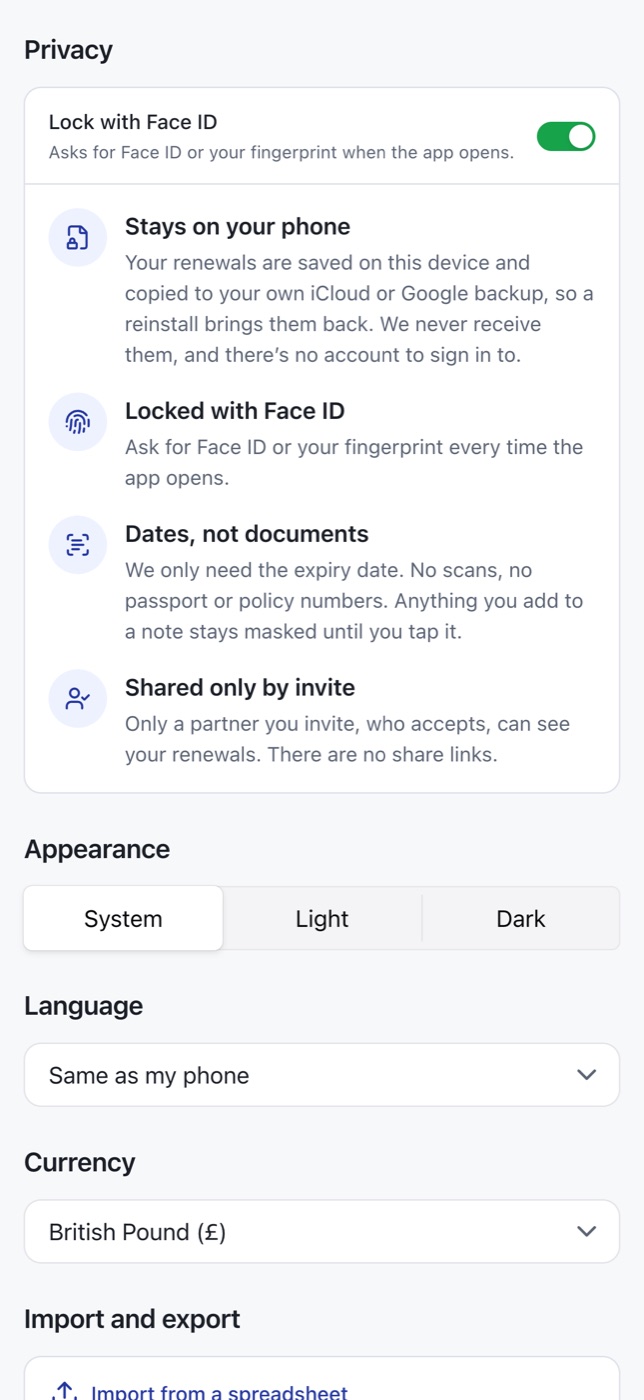
Dates, not documents. Kavvi tracks the dates every household forgets (MOT, insurance, passports, subscriptions) and reminds you before they're due. The first design scanned passports and masked the numbers. Then I asked whether we needed the documents at all. We didn't. A list of names and dates is no use to a fraudster, so there's no scanning, no account and no server. Removing a feature did more for security than any encryption would have, and it took a lot of complexity out with it.
When building is this fast, what you leave out is the design.
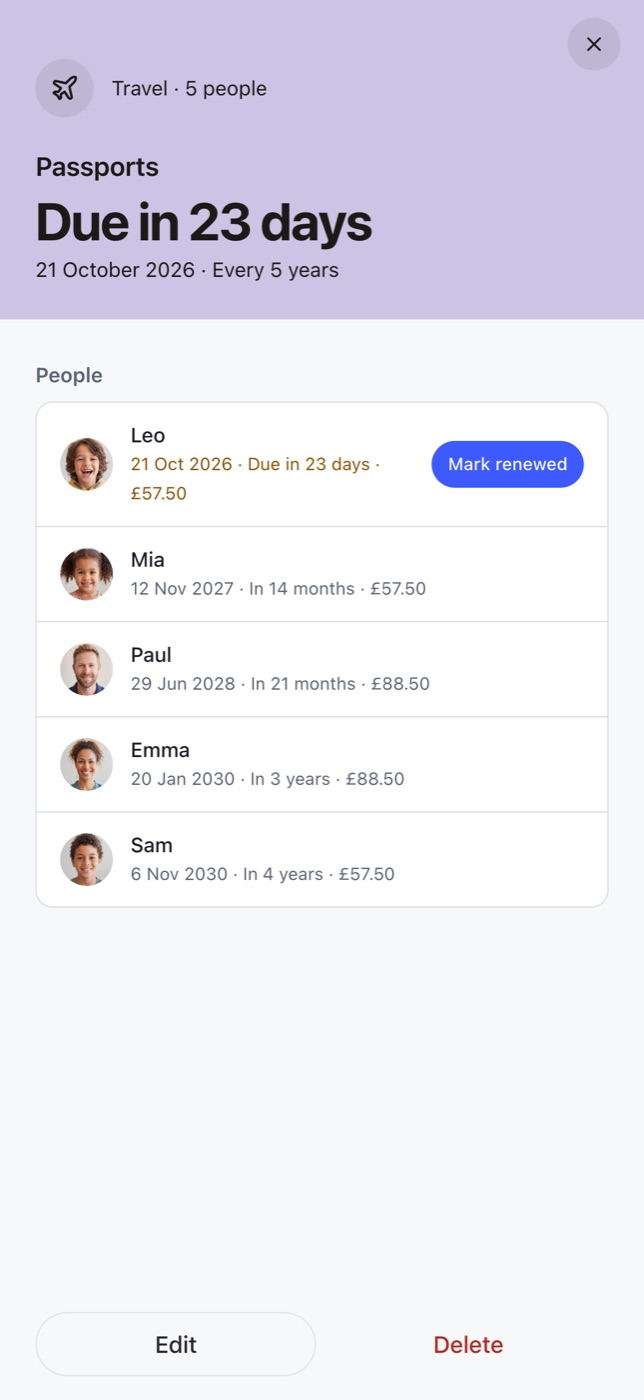
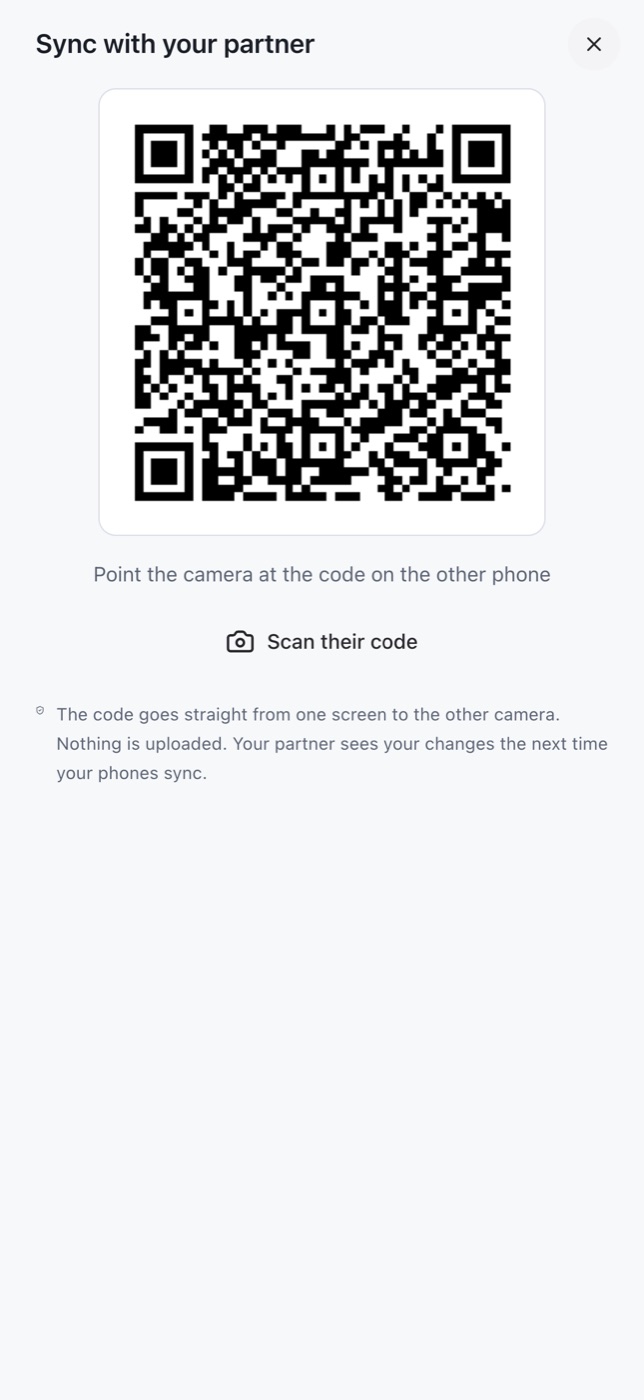
What's in it. Import the spreadsheet you already keep, whatever the columns are called, or paste a renewal email to fill in the details. One passport card covers the whole family, with children's five-year dates worked out. Reminders are scheduled on the phone, so they arrive without signal. Two phones sync by being held together. There's a widget, and Siri on iPhone.
One system, start to finish. Polished visual design wasn't the point. The goal was to test production end to end, from the design system all the way to the app stores, and to get real feedback on the functionality. I started on Chakra UI for speed and built my own design system on top, themed light and dark. The components live in Storybook and a docs site, and the phone and tablet apps, the marketing site, and even the store images and listings are all built from them.
Approach
One token file feeds the lot. Changing the card palette changed everything at once, the build fails if any colour pair drops below AA, and choosing Arabic turns the whole thing right-to-left.
App launcher iterations
Directed, not hand-coded. My hands-on code work is recent and AI-directed, not years of production front-end. The build was prompted; every decision about what stayed was mine. What I bring is twenty years of knowing what a product that works and a production design system need, and checking that Kavvi got both.
Also
- No AI in the product, deliberately. Sending people's insurance emails to an AI service would have broken the privacy promise in one feature, so Quick fill reads a pasted email with pattern matching on the phone, then asks you to check it
- Under version control from the start: full history and backups, numbered builds, and a changelog in the docs
What I left out. Most of the decisions that mattered were things I took out or kept out: the passport scans, the account, the server, the AI in the product. When building is this fast, what you leave out is the design.